
How to perform searches
-Jun-10-2024-12-39-13-8508-PM.png?width=670&height=84&name=SC%20-%20Atividades%20-%20Tarefas%20(2)-Jun-10-2024-12-39-13-8508-PM.png)
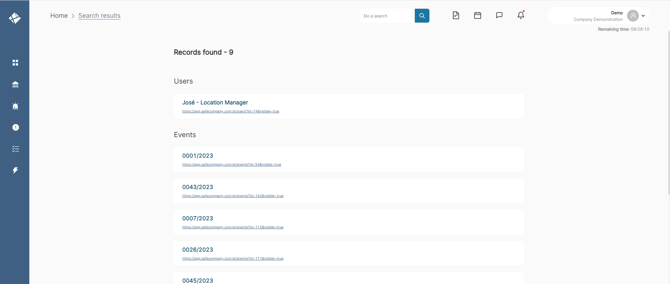
1. Type what you want to search for in the search bar at the top menu.
2. Click on the magnifying glass icon on the right side of the search bar.
The platform will automatically gather all the records found based on your search. Note:
Stay alert! The information found will be displayed according to your profile. If you do not have permission to access something, it will not appear on your screen.