
Stay alert! If you don't see any functionality described in the tutorial within the system, don't worry. This is due to your access profile and the plan contracted by your company.
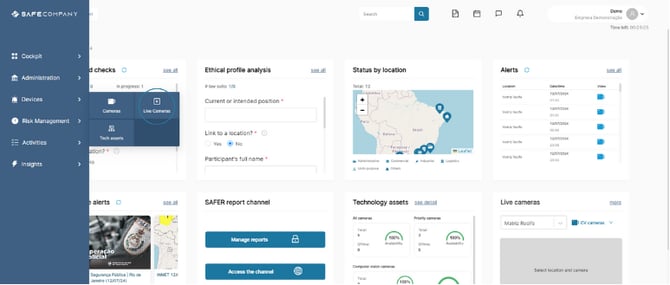
1. To access the cameras, hover over Devices in the sidebar and click on Live Cameras
-Jul-13-2024-04-49-07-7719-PM.png?width=670&height=285&name=SC%20-%20Atividades%20-%20Tarefas%20(1)-Jul-13-2024-04-49-07-7719-PM.png)
2. Select the location of the camera you wish to view

2. Scroll to the bottom of the screen and select which computer vision camera you wish to view.
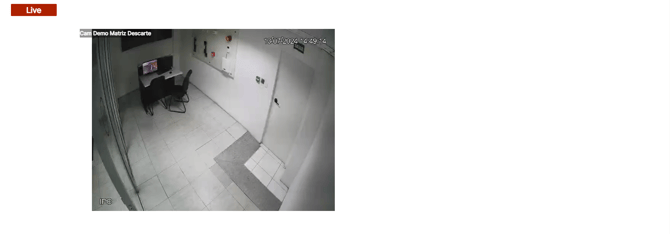
3. Return to the top and wait for the camera to load.
Only cameras with computer vision capabilities can be viewed on live cameras.
Computer vision alerts (CV)
Note the types of computer vision alerts that can be registered on the company's cameras.
-Jul-13-2024-04-44-32-4140-PM.png?width=670&height=365&name=SC%20-%20Atividades%20-%20Tarefas%20(6)-Jul-13-2024-04-44-32-4140-PM.png)